
01
Product docs Q&A
Answer feature, setup, permission, API, and troubleshooting questions using approved docs and release notes.
Execution pattern
The assistant retrieves the right source material, checks account context, prepares a response or action, and escalates product-risk or commercial-risk decisions.
Support
Docs plus tickets
Onboarding
Next steps
Success
Account context
Docs plus tickets
Answer product questions with source context from help docs, release notes, and prior cases.
Next steps
Guide customers through setup, integrations, permissions, and adoption blockers.
Account context
Prepare renewal, escalation, and health summaries from CRM and customer notes.
Qualified intent
Route buyers by plan fit, use case, integration needs, and urgency.
These are the workflow moments where Tactas AI can reduce waiting, collect better context, and preserve human review for decisions that matter.
The answer may live in docs, release notes, support history, customer success notes, or a product manager's explanation.
Implementation issues often need product knowledge, account history, integration status, and a clear next action.
Tickets move between support, success, sales, and engineering without the full situation attached.
Each assistant is designed around your context sources, approval rules, and the systems where the work continues.
Answer feature, setup, permission, API, and troubleshooting questions using approved docs and release notes.
Guide setup tasks, collect blockers, and prepare account-specific next steps for success teams.
Classify support issues, identify missing details, draft replies, and route escalations.
Summarize customer history, risks, open tasks, and renewal context before calls.
Capture use case, company size, integrations, plan fit, budget signals, and urgency.
Prepare bug reports and feature requests with reproduction steps, impact, and source links.
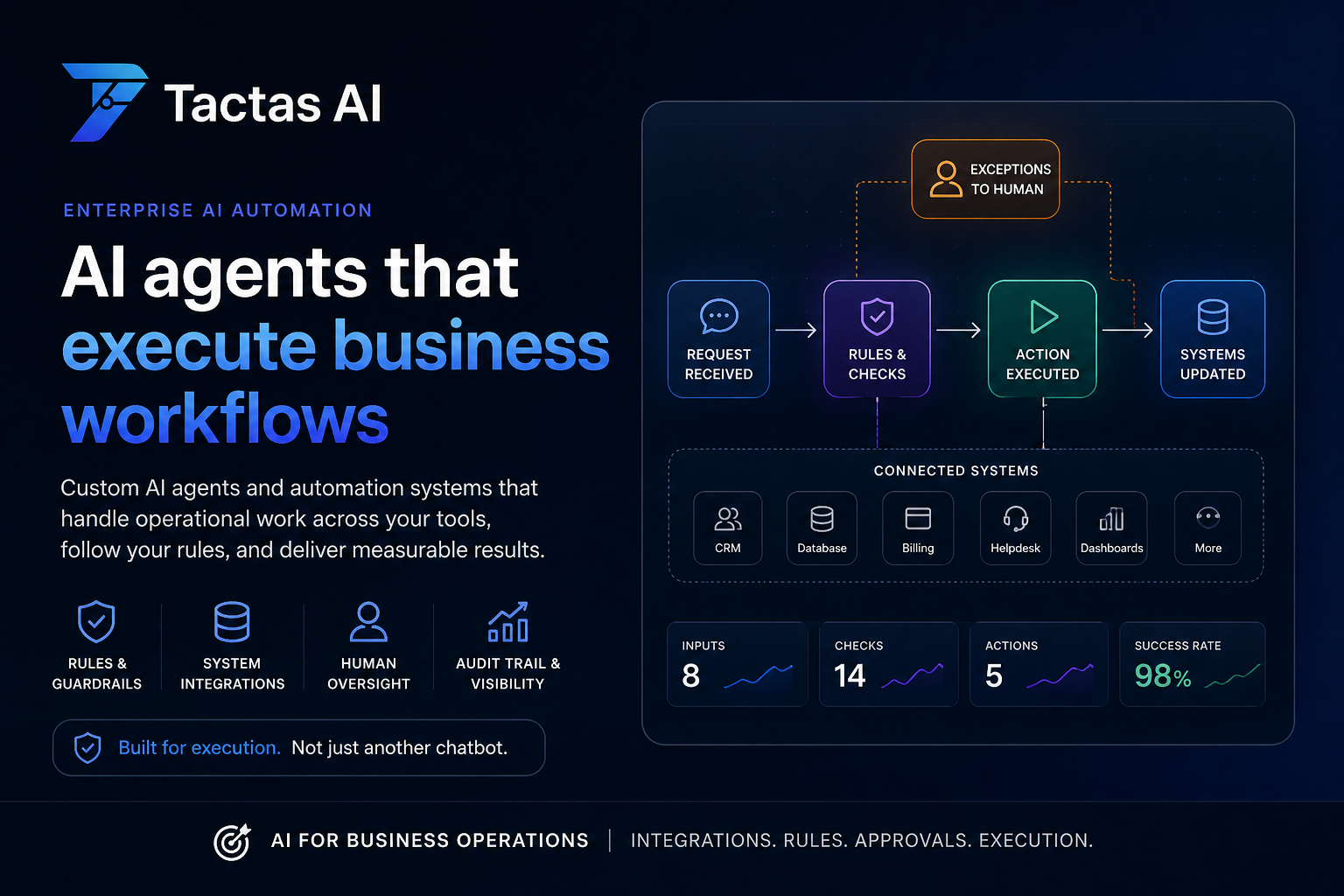
The assistant retrieves the right source material, checks account context, prepares a response or action, and escalates product-risk or commercial-risk decisions.
01
A user asks why an integration is failing during onboarding.
02
Docs, plan limits, account notes, integration status, and recent tickets are reviewed.
03
The response includes likely causes, setup steps, and source references.
04
Account-impacting actions, refunds, or product commitments require human review.
05
The assistant drafts a success follow-up or engineering handoff with full context.
Tactas AI can answer routine questions and prepare work, while sensitive pricing, roadmap, contractual, or production-impacting decisions stay behind approval.
Common context sources
Tactas AI turns common questions into reusable assistant behaviors with source context, review rules, and follow-through.
Support
"Summarize this customer's issue, likely root cause, missing details, and next best reply."
Success
"Prepare an onboarding risk brief for this account using open tasks, tickets, and CRM notes."
Sales
"Qualify this inbound conversation by use case, urgency, integrations, and plan fit."
Start with product docs Q&A, onboarding support, support triage, account summaries, or sales qualification because these workflows are frequent and measurable.
Yes, when it is grounded in approved docs, release notes, tickets, and product context. High-risk bugs, outages, and account changes can route to human review.
Tactas AI is designed around the systems you already use, such as helpdesk tools, CRM, docs, issue trackers, email, and internal workspaces.
In a short review, we map the first workflow, required context sources, approval rules, and the handoff path your team needs.